



What are OMS, ERP and WMS in brief?
An OMS (order management system) manages the flow from receiving an order to shipping it. A WMS (warehouse management system) manages where stock sits in the warehouse and how it is picked and counted. An ERP brings a company's core records, such as finance, accounting, purchasing, inventory and production, under one roof.
In short: OMS answers "what was ordered and where is it going?", WMS answers "where is the goods and how will it be prepared?", and ERP answers "what is the overall state of the company's money, stock and processes?" They do not replace one another, although their scopes partly overlap.
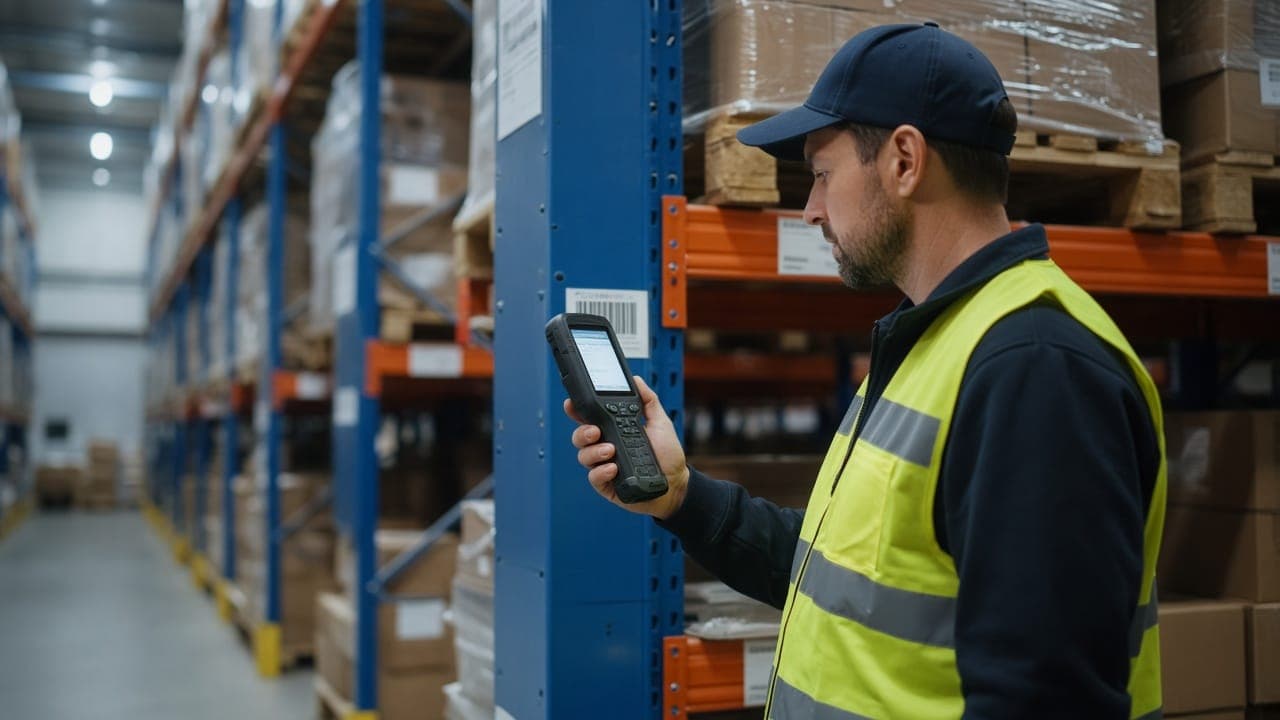
An OMS collects orders from multiple sales channels (web store, marketplaces, dealers, phone) on a single screen, checks stock availability and tracks status. A WMS focuses on in-warehouse work such as shelf addresses, barcodes, handheld terminals, picking and counting. An ERP records the results as invoices, customer accounts and costs.
Comparison table: scope, users, typical modules
The summary below shows the general structure. Details vary by product, and some ERP packages include basic order or warehouse modules.
User profiles differ as well: an OMS is mostly used by sales operations and customer service, a WMS by the warehouse team, and an ERP by accounting, purchasing and management.
- OMS – Scope: order intake, stock availability, order status, returns, shipment tracking. Users: sales operations, customer service. Typical modules: channel integration, order routing, carrier integration, returns management.
- WMS – Scope: in-warehouse stock locations, receiving and dispatch, picking, counting. Users: warehouse manager and staff. Typical modules: shelf/location management, barcode and handheld terminals, pick lists, stock counts, shipment preparation.
- ERP – Scope: finance, accounting, purchasing, sales, inventory, sometimes production and HR. Users: accounting, purchasing, management. Typical modules: customer accounts, invoicing, general ledger, inventory costing, reporting.
When is an OMS alone enough?
If your main problem is orders scattered across channels, unsynchronized stock and manual order tracking, an OMS alone is often a sufficient first step. If the warehouse is small and stock sits on a few shelves, a separate WMS is generally not needed.
If your existing accounting software already covers invoicing and customer accounts, connecting an OMS to it can be faster and cheaper than a full ERP migration.
These signs suggest an OMS alone may be enough:
- Orders arrive from two or more channels and are merged via Excel or email.
- The same product is sold on two channels and stock errors cause cancellations.
- The warehouse is run by one person with a limited number of shelf locations.
- Accounting runs in a separate program that works well enough.
If you have an ERP, do you also need an OMS or WMS?
Having an ERP does not remove the need for an OMS or WMS. Many ERPs offer order and stock modules, but they may fall short for multichannel sales, marketplace flows or shelf-level warehouse operations. In that case the ERP stays the central record for accounting and stock, and the OMS and WMS work around it.
The need for an OMS usually appears as order volume and channel count grow. If your team is tired of typing orders into the ERP by hand, or error rates are rising, that is a signal.
The need for a WMS arises as the warehouse grows: when product variety increases, wrong items are shipped, stock counts take days, or finding products without shelf addresses wastes time. For planning a barcode transition, see our guide on moving to a barcode-based warehouse system.
As a rule: ERP manages financial truth, OMS manages the order lifecycle, and WMS manages physical stock. You do not have to buy all three if you do not need them.
Integration: e-commerce, marketplaces, accounting and warehouse connections
More important than the right choice is how the systems connect. If order, stock and invoice data are entered manually in several places, errors grow with the number of systems. First decide which system is the "source of truth" for each type of data.
A typical flow looks like this: orders from the web store and marketplaces land in the OMS; the OMS checks stock availability; the order goes to the warehouse (WMS) as a pick instruction; after shipping, the invoice and stock deduction are transferred to the ERP or accounting software.
When planning, pay attention to the following:
- Choose a single source of truth for stock and let other systems feed from it.
- Ask which marketplace and carrier integrations are ready-made and which need additional development.
- Check whether your accounting software supports API or file-based transfer.
- Define who is alerted when something fails (for example an order that could not be transferred) and how it is retried.
- Put in writing who maintains the integration.
Decision checklist and when custom development makes sense
Before deciding, write down your current problems. The solution depends less on the name of the system than on the problem you want to solve. The questions below can guide you.
Custom development makes sense when your processes do not fit off-the-shelf packages or when your competitive edge depends on a particular workflow. For example, a unique order routing rule or a non-standard warehouse process may call for customization. If your processes are standard, an off-the-shelf package is generally faster and more economical. For detailed criteria, see our article on custom software versus off-the-shelf packages.
Checklist:
- How many sales channels do you have and how are orders merged?
- Is daily order volume growing and are error rates rising?
- How long does it take to find products and count stock in the warehouse?
- Does your current accounting software support this flow, or does it need to change?
- Is there a business-critical process that an off-the-shelf package cannot meet?
- Have you accounted for integration and maintenance costs?
- Is a phased rollout (OMS first, then WMS, for example) possible?
- Is your team ready to adopt and be trained on a new system?
A roadmap with fountr
Working out which system you need often takes only a short analysis that maps your processes. At fountr, based in Sakarya, we build OMS, ERP and warehouse/barcode solutions and prepare a phased roadmap that fits your existing accounting software, e-commerce and marketplace connections. To share your situation, write to [email protected].
Frequently asked questions
Common questions about OMS, ERP and WMS:
- Are OMS and ERP the same thing? No. An OMS focuses on the order flow, while an ERP focuses on finance, accounting and general business records; some ERPs also include an order module.
- Does a small business need a WMS? Generally not if the warehouse is small and product variety is limited; consider one when wrong shipments and long stock counts begin.
- Which should I buy first? Usually whichever area loses the most time and causes the most errors; for multichannel sellers this is most often the OMS.
- Can an OMS be added without replacing the ERP? Yes, if the ERP or accounting software is open to integration, the OMS can be set up to exchange data with it.
- Is it necessary to install all three? No. Progressing in phases according to need is a lower-risk path for most SMEs.