


Why barcodes?
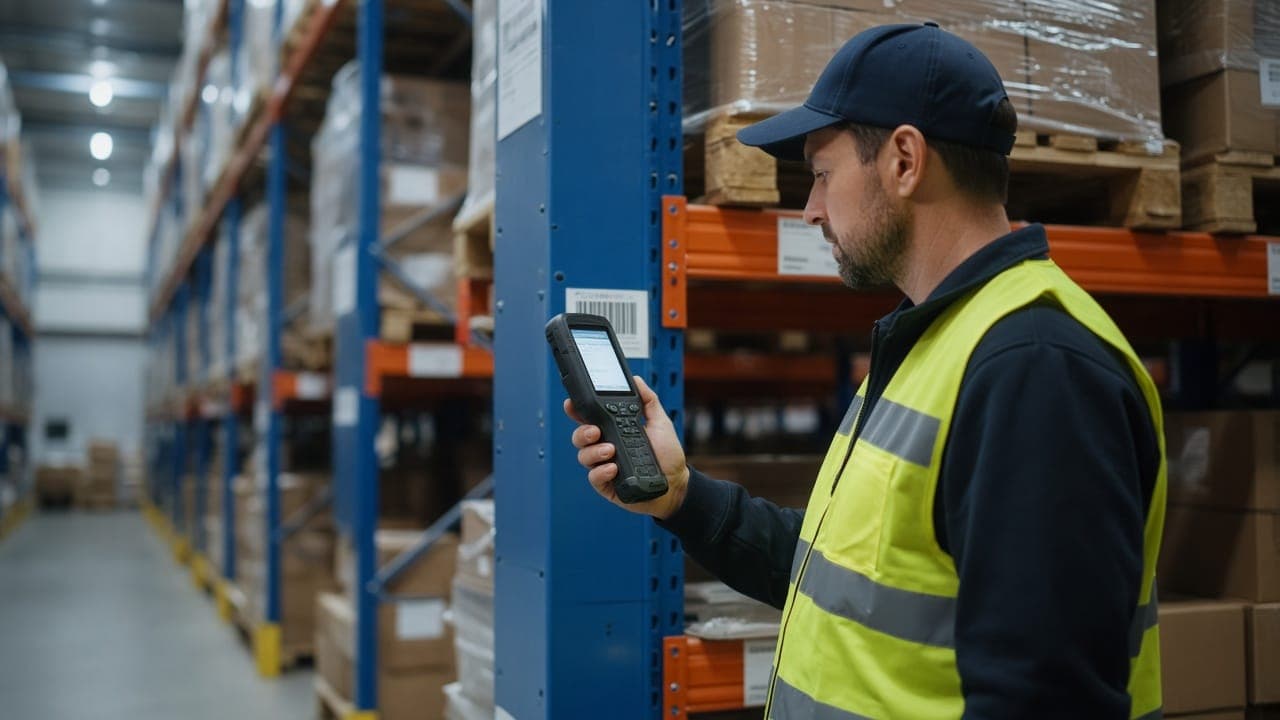
In warehouses run on paper or memory, knowing where an item is, how many are left and which order it’s reserved for often depends on a handful of people. With barcodes, every movement is scanned and recorded, so stock figures are live, picking errors fall and new starters get up to speed far more quickly.
Step 1: set up your location structure
A barcode project starts with the shelving, not the products. Every bin needs a logical, consistent location code, printed on a label and fixed to the rack. Design the scheme so it still works when you add more racking later.
- Codes built from zone, aisle, bay, level and bin
- Durable, readable labels at a sensible height
- Separate codes for goods-in, dispatch and returns
- An internal label standard for unbarcoded items
Step 2: choose the hardware and software
When choosing handheld terminals, think about the working environment rather than price alone. Cold or dusty conditions, high racking and long shifts all call for different devices. Survey Wi-Fi coverage beforehand so scanners stay connected throughout the building.
On the software side, be clear about how the warehouse application will exchange data with your ERP or accounting system. Screens for goods-in, put-away, picking, dispatch and counting should be simple and quick to use.
Step 3: opening count and staff training
Before go-live, carry out a complete opening stock count. Inaccurate starting figures will undermine trust in the new system within the first week. During the count, each item is scanned against its location.
Base the training on the team’s day-to-day tasks. Short, hands-on sessions using the actual screens, plus a named champion on each shift, make the change much smoother.
Step 4: go-live and common pitfalls
Plan go-live for a quieter period and check results daily for the first few weeks. These are the problems we see most often.
- Putting stock away before locations are labelled
- Rushing the opening count
- Allowing “temporary” moves without scanning
- Buying scanners before testing Wi-Fi coverage
- Training only supervisors, not the people on the floor
Summary and how fountr can help
A barcode rollout succeeds on three things: a sound location structure, accurate opening stock and a team that actually uses it. We develop warehouse software around your workflow, integrate it with your existing systems and look after the network side too. To talk it through, call +90 535 100 71 41 or email [email protected].