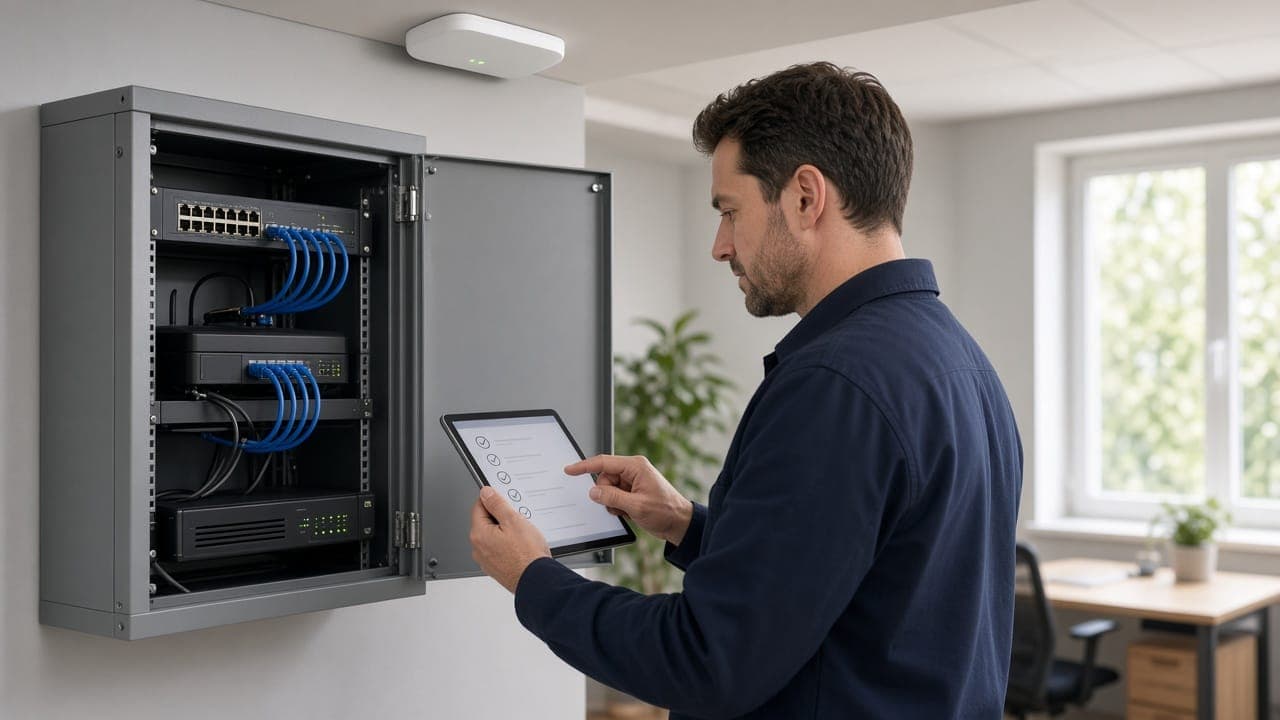



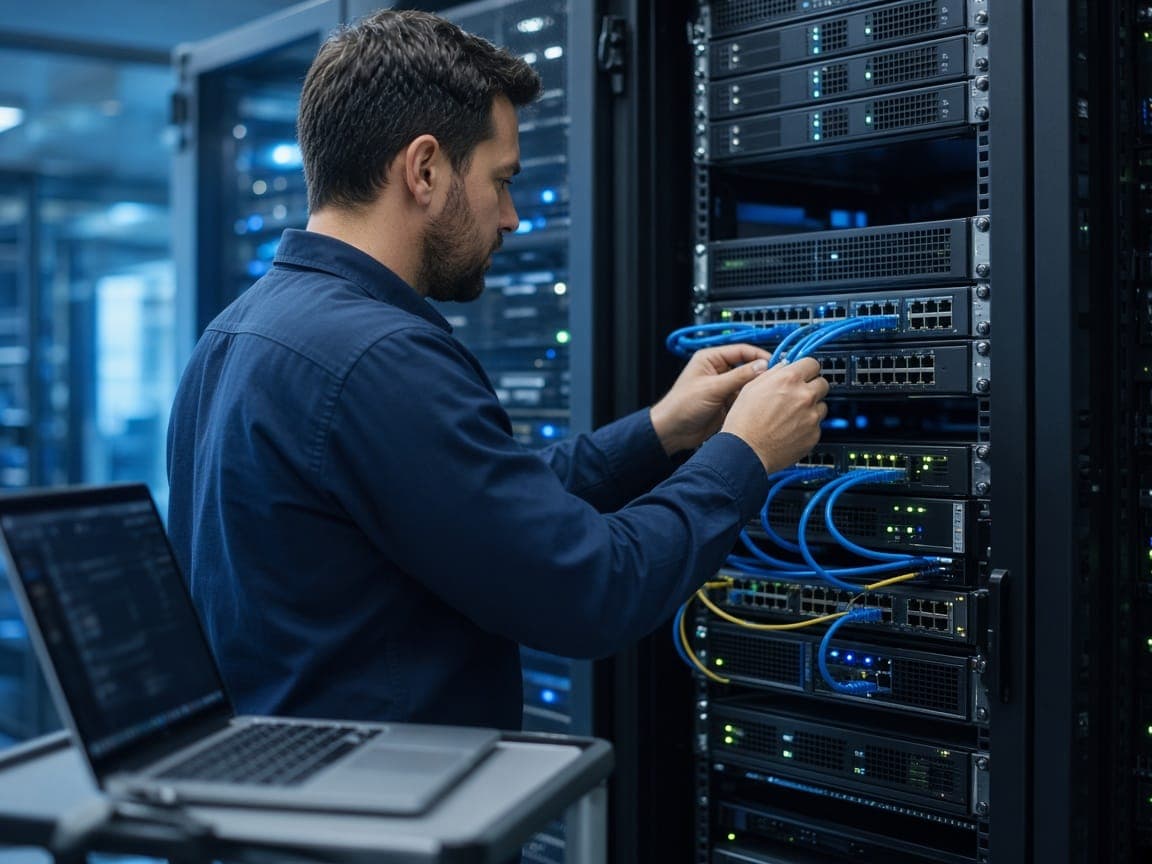
Needs analysis before setup: users, applications, growth plan
IT infrastructure setup for a new office means writing down your needs first, then building the network, storage, account management and security in order to match them. The most common mistake is starting by buying devices. A sound sequence is: analysis, network, data and backup, user management, security, testing and documentation.
Look for clear answers to three questions. How many people will work there, and how will that number change over 2-3 years? Which applications will be used (ERP, accounting, design software, barcode and warehouse apps, video meetings)? Will staff also connect from outside the office?
These answers determine your internet line, the number of switch ports, Wi-Fi coverage and storage volume. If you ignore the growth plan, you may have to re-run cables or replace devices a year later. Leaving some spare capacity in ports and cable points is generally cheaper than reworking things afterwards.
- Headcount and a 2-3 year forecast
- Applications to be used and their connection and performance needs
- Remote work and off-site access requirements
- Devices to join the network, such as printers, phone systems and cameras
- Downtime tolerance: how badly would your business be hit if systems went down?
Network infrastructure: cabling, switches, firewall and wireless access
The network is the foundation everything else runs on, and because cabling goes inside walls it is the hardest part to change later. If possible, plan it before interior finishing is complete. For fixed workstations, wired connections are generally more stable than Wi-Fi. It makes sense to run somewhat more data points per desk than you need today.
After cabling comes switch selection. Size the port count for planned devices, not just current ones. If you will use IP cameras and IP phones, PoE (power over Ethernet) switches make life easier. A managed switch lets you segment the network (VLANs), for example separating guest, office and camera traffic.
A firewall is the gate between your internet line and your internal network. A home-type modem alone is usually not enough for an office. A firewall provides access rules, VPN for remote connections and logging. For wireless, if the area is large, several access points managed centrally usually work better than one powerful device. Give guests a Wi-Fi network separate from staff. A backup internet line is worth considering where an outage would stop the workflow.
Server or cloud? Storage and backup decisions
Not every business needs a server in the office. File sharing, email and most office applications run fine in the cloud. An on-site server generally makes sense when a legacy application must run on the local network, file traffic is heavy, or there is a specific requirement about where data is kept.
When deciding, consider how reliable and fast your internet line is, whether the application vendor supports the cloud, how sensitive your data is and what resources you can dedicate to maintenance. For many SMBs a hybrid model fits: email and files in the cloud, only the necessary application on site.
Whichever you choose, backup is a separate decision. Using a cloud service does not mean your data is automatically backed up; deleted or encrypted data can sync and disappear everywhere. Backups should be kept in a different location and restore tests should be run regularly. For the method, see our article on the 3-2-1 backup rule against ransomware.
User accounts, email and device management
Day-to-day use of the infrastructure happens through accounts. Create a personal account for each employee; shared usernames and passwords make it impossible to trace who did what. A cloud-based email and office suite on your own company domain is, for most SMBs, the easiest option to set up and manage.
Managing accounts from one place with a central directory service speeds up onboarding and offboarding. Being able to close a departing employee's access the same day matters for security. Define permissions by role: not everyone needs to see the accounting folder.
For devices, set a standard setup approach: consistent operating system versions, disk encryption, automatic updates and an approved software list. Keep a device inventory; knowing which computer is with whom, plus its warranty and licence, helps with maintenance and with loss or theft. Change the default passwords on printers, phones and other network devices during setup.
What does IT infrastructure setup cost depend on? A checklist
Setup cost varies over a wide range depending on office size and the scope of the solutions you choose, so quoting a fixed figure would be misleading. The main cost items are: number of cabling points and the building structure, class of network devices (switch, firewall, access points), number of computers and peripherals, server or cloud subscriptions, the backup solution, licences, security systems and post-setup support.
When getting quotes, evaluate the one-time setup fee separately from recurring monthly or annual costs (subscriptions, licences, support). The cheapest quote may not really be cheapest if it leaves out items like backup or security. At the end, ask for documentation to be handed over: passwords, IP plan, device inventory and network diagram.
Review the list below before finishing the setup. At fountr, we help SMBs with needs analysis, network and security planning, installation and ongoing support for new office infrastructure; if you would like a short assessment for your own office, write to us at [email protected].
- Needs analysis written down, growth margin left
- Cabling and data points planned and labelled
- Switch, firewall and Wi-Fi coverage tested
- Guest network set up separately
- Cloud or server decision and backup plan settled, restore tested
- Personal account and multi-factor authentication set for every user
- Device inventory, licences and update method defined
- Default passwords changed
- Cameras and access control included in the infrastructure
- Passwords, IP plan and network diagram documented and handed over
Frequently asked questions
Here are common questions about setting up IT for a new office.
- When should IT infrastructure setup begin? Cabling and data points should be planned before interior finishing is done; starting analysis and planning several weeks before moving in is generally sensible.
- Is a server required for a small office? No. Many small offices can run email, file sharing and office applications in the cloud. An on-site server comes up in special cases, such as applications that must run on the local network.
- Is a home-type modem enough for an office? Usually not. For needs such as a firewall, VPN, network segmentation and logging, choose devices suited to office use.
- Do I need backups if I use the cloud? Yes. Deleted or encrypted data can disappear everywhere through syncing; you need a separate backup and restore tests.
- Should I hire in-house IT or outsource? It depends on office size and system complexity. For small teams, outsourcing post-setup maintenance and monitoring is often a more suitable starting point.